Windows usually communicates with a modem via a COM Port interface – whether that’s a “real” serial port, or a “virtual” serial port for an integrated modem or via USB.
To find what COM port Windows is using, start by locating the modem in Device Manager:
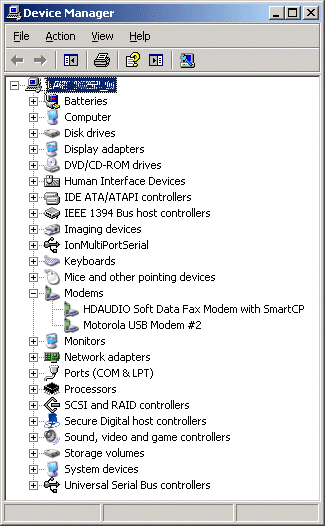
Right-click the required modem in the list:
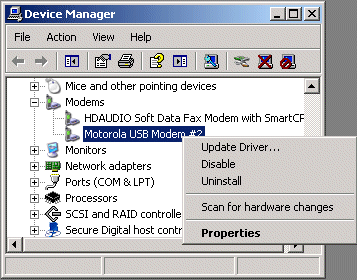
Choose Properties to open the modem properties:
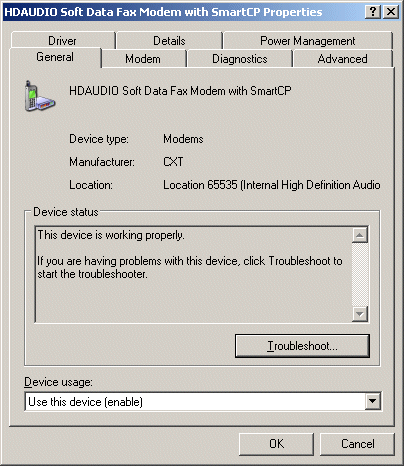
Now choose the ‘Modem‘ tab:
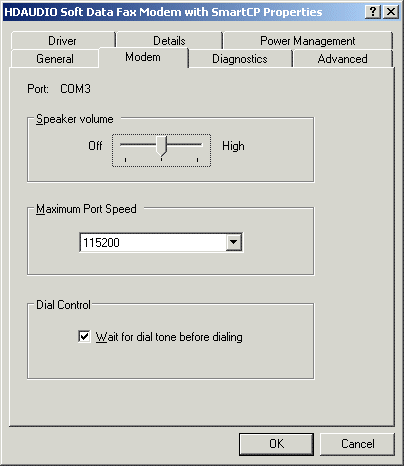
Note that the Port is identified at the top of the panel – in this case, it’s COM3.